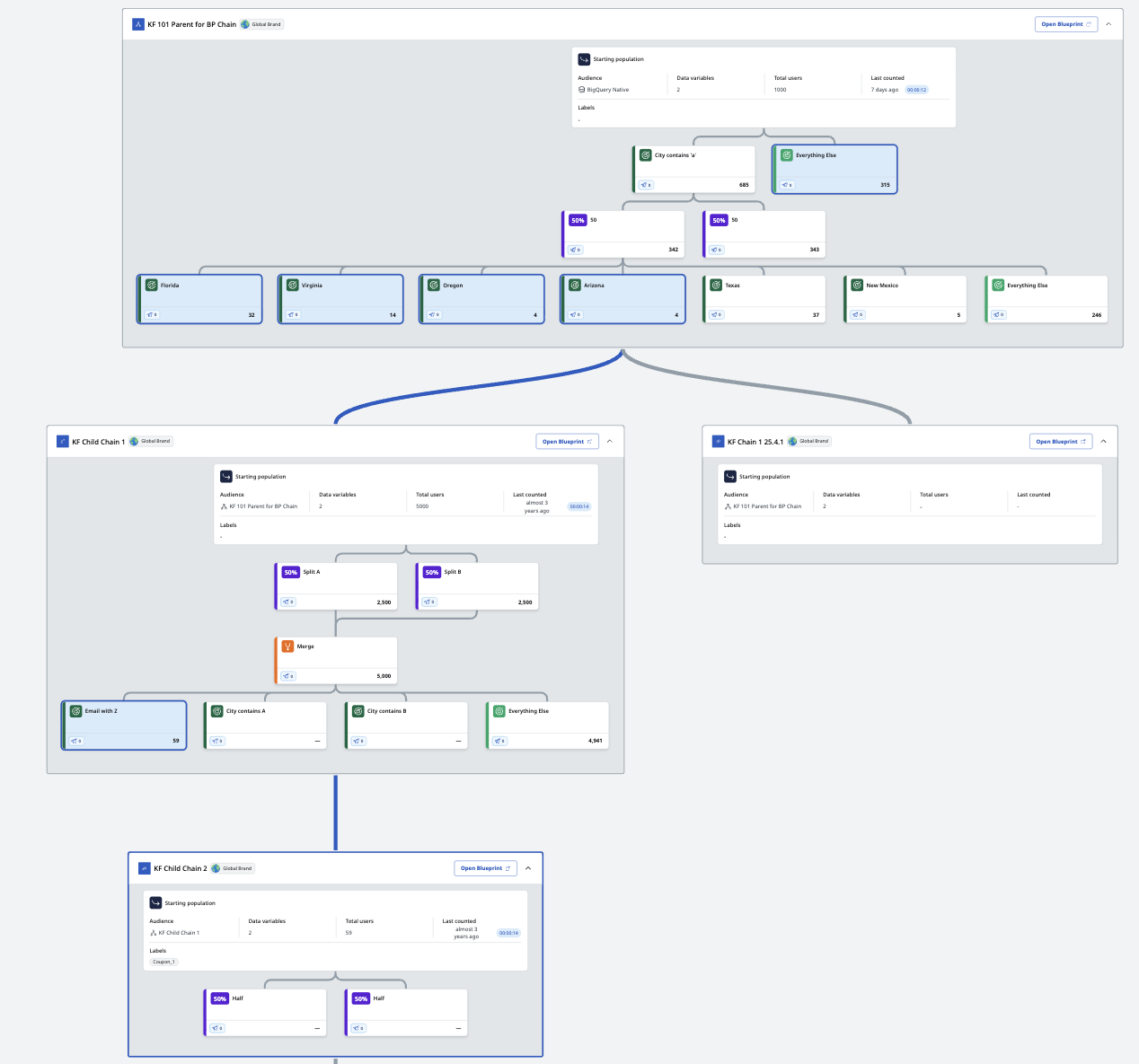
Blueprint chain view
Overview
The Blueprint chain view allows users to visually map and interact with all Blueprints within a chain on a single screen. This view enables users to quickly identify and highlight the data streams utilized by each Blueprint and provides seamless navigation to any Blueprint in the chain directly from the chain view.
Chained canvas view
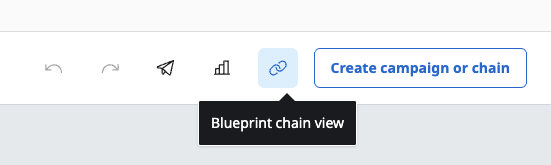
All Blueprints that are a part of a chain have this view accessible via the Blueprint Chain View button above the Blueprint canvas.
On the Chain View, each Blueprint in the chain is represented with its corresponding canvas, including all of its segment nodes.
This includes the node types, names, and labels for each node, as well as the number of associated campaigns and activations those campaigns are using.
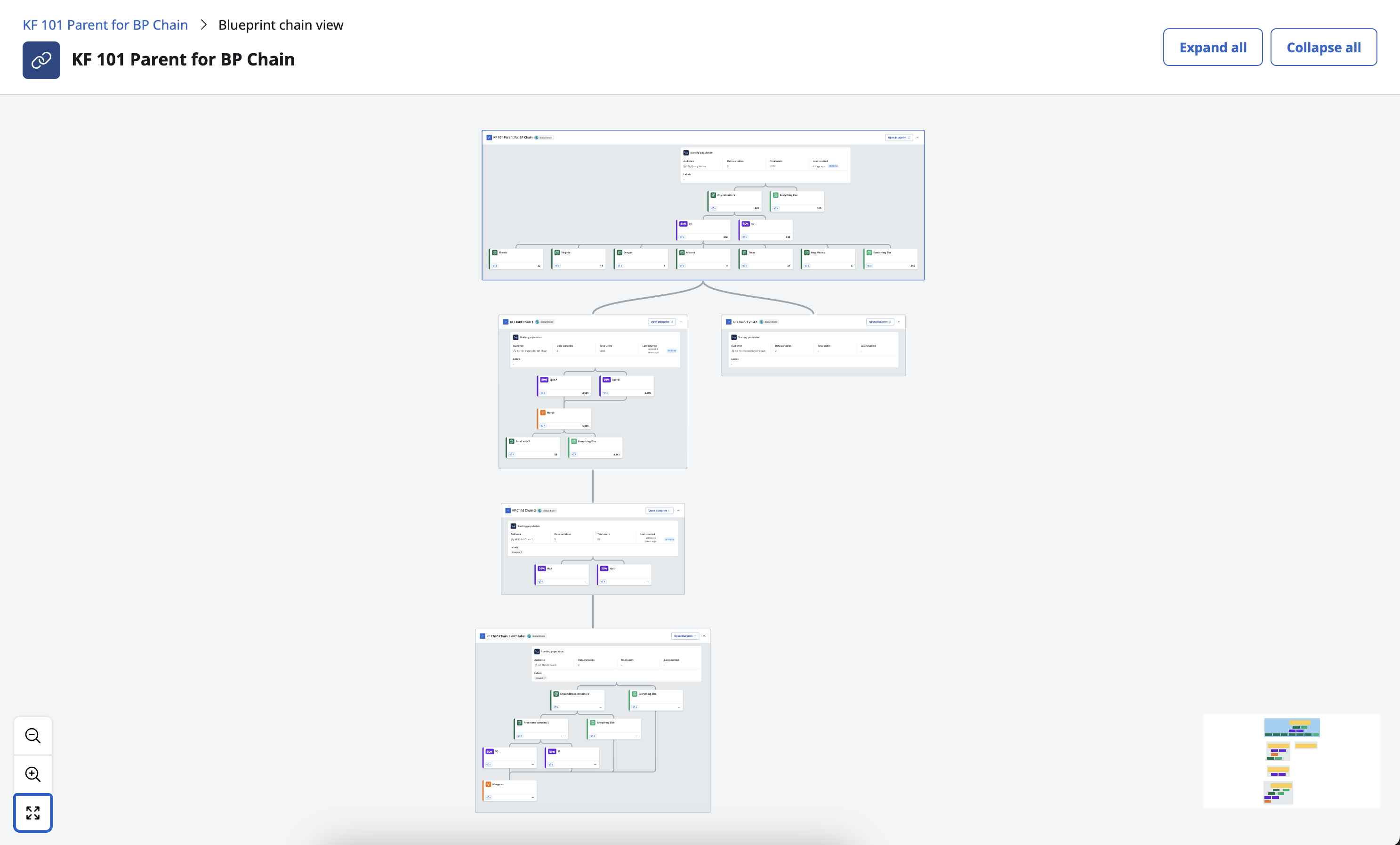
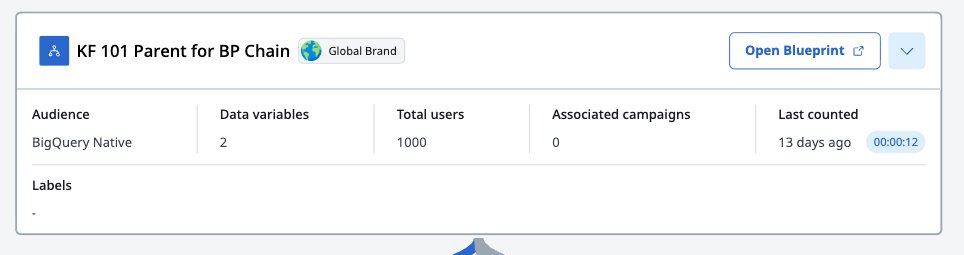
For larger blueprint chains, individual blueprint canvases can be collapsed or expanded using the dropdown caret in the top right.
Chained data flow
Users can see the data flow specific to any individual Blueprint in the chain. Selecting a Blueprint highlights the source segment nodes in its parent and any additional parents up the chain, illustrating how data is flowing down from the source Blueprint.
The canvas also highlights the path the data is taking if there are multiple branches at any level, allowing users to visualize exactly how segments are used along the chain. Users select the Open Blueprint button on any Blueprint shown to see specifics of that Blueprint’s segmentation setup.