Accelerator 23.3.0 release notes
Initiatives Released
Job Content Overhaul
Use Case
With Customers increasing the frequency and complexity of their bulk activations, we wanted to revisit optimizing the supporting architecture within Accelerator. The Job history table will undergo changes to help customers with a large volume of jobs experience better experience within Accelerator as well as have an easier time upgrading to the newest version of the Application.
Goals
- Drastically reduce size of records within the Job table
- Better use of Accelerator Environment
- Seamless transition to new versions
Capabilities
Use Cloud File Storage or Local Accelerator Users can configure where they would like the job content stored (Local or a Cloud File Store) as well as what path to store the job data. The following fields will not be recorded in the job table and will now be recorded in either Local or Cloud File Storage:
htmlContent
textContent
recipientDataParameterData
recipientDataType
recipientDataUrl
recipientFileName
recipientSql
charSet
contextXml
contextDataType
contextDataUrl
completeNotificationSent
contextDataParameterData
contextDataSql
renderedHtmlContent
renderedTextContent
emailLinkDescriptions
No Columns will be removed from in order to preserve historical job data
Upgrade Steps Performed by Accelerator
- On Upgrade to 23.3.0, Accelerator will do the following things:
- Scan for an existing Cloud File Store with a valid connection
- If a valid Cloud File Store is found:
- The most recently created bucket with a successful connection test will be selected as the location for the job data storage.
- If NO valid Cloud File Store is found:
- Data will be stored on the server Accelerator is hosted on
- Once the Upgrade is complete, all future jobs will have their data stored at
job_data/{AccountId}/YYY/MM/dd/HH/CampaignId/yyyMMddHHmmss_JobId.jsonin their respective locations by default and will be subject to the storage location’s retention policy if using a cloud file store. - Users should navigate too Admin → System Configuration → Job Options and view/edit the storage location or path that they would like the data stored.
⠀
Content Saved Rows
Use Case
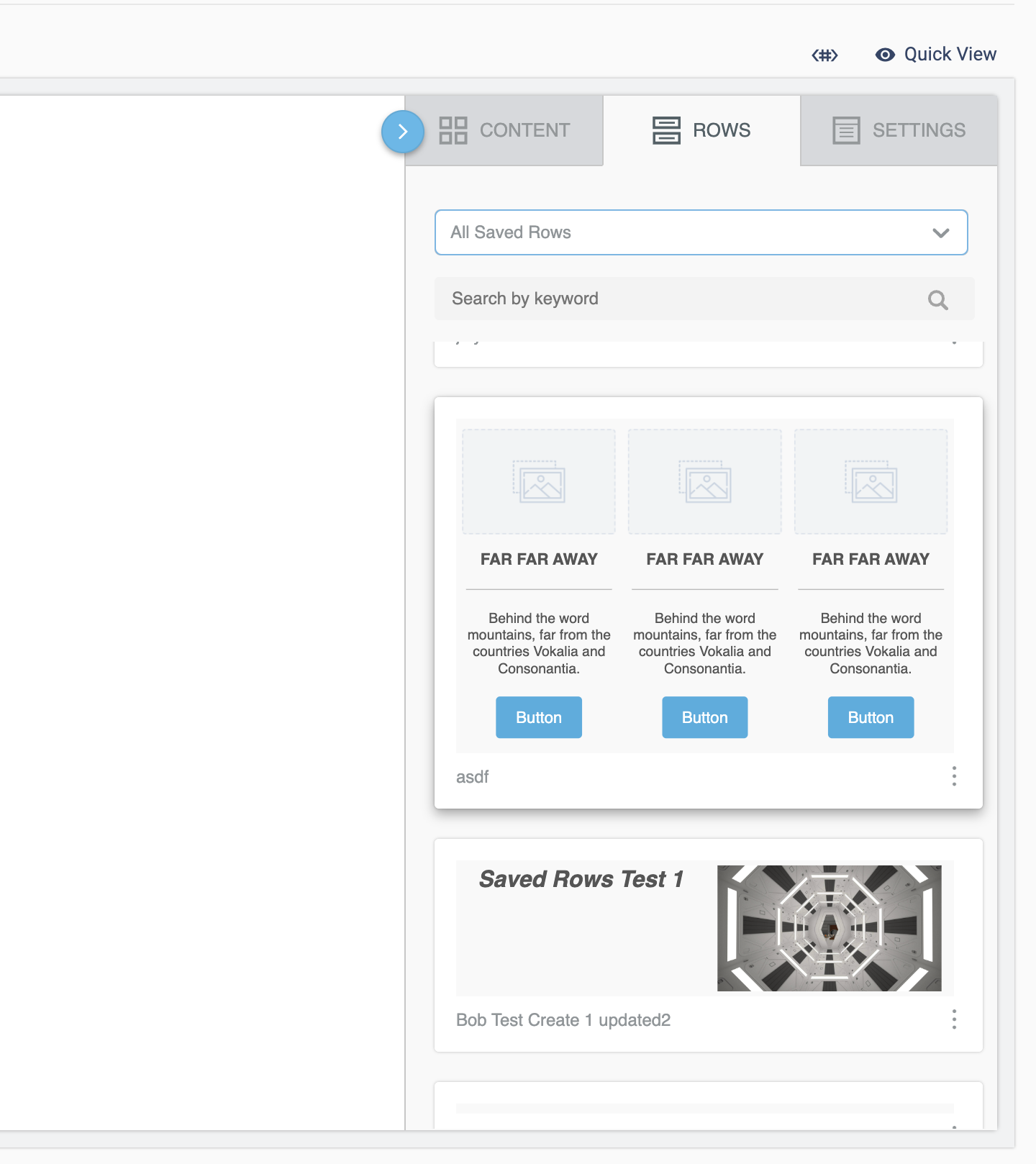
Content Saved Rows allow users to create modular pieces of content via the drag and drop email editor. These content rows can then be shared amongst other templates within Accelerator. This tool creates a reliable way for marketers to create and share content to create a consistent email creation process and experience for end users.
Capabilities
Create and Manage Saved Rows
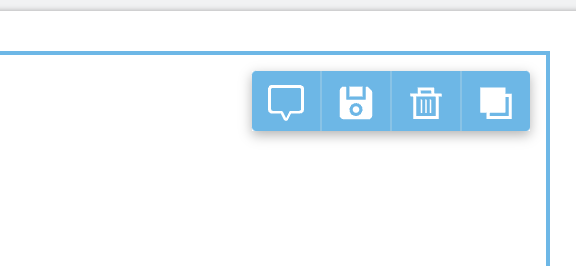
- Marketers can create Saved Rows and tag them with various information by highlighting a row in the drag and drop email editor and clicking the save icon
- Marketers can use existing Saved Rows on all drag and drop email templates in Accelerator
- Marketers can update and delete old Saved Rows
- Saved Row categories tags will allow marketers to create logical groups to easily find and search for their Saved Rows.
Swrve User List and User Attribute Segment Destinations
Use Case
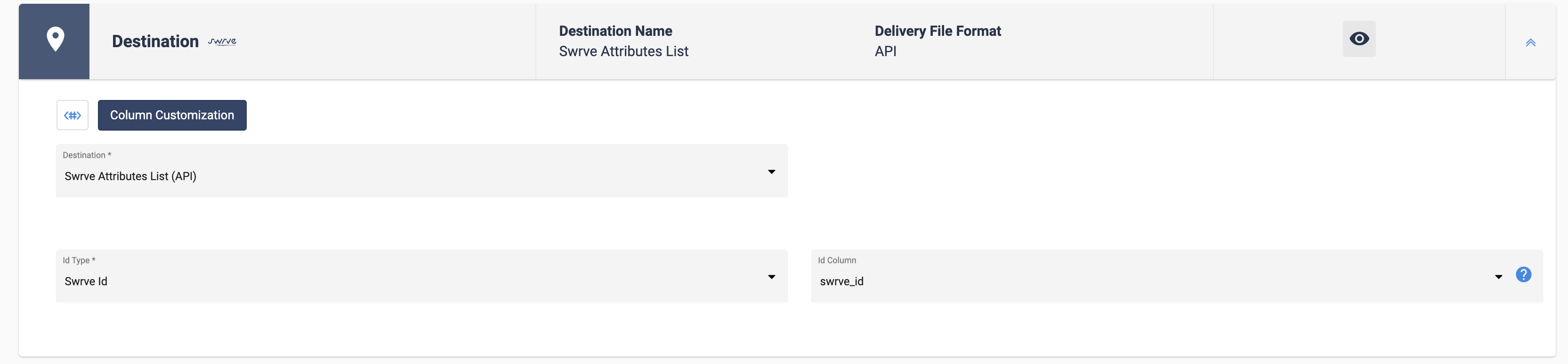
Marketers can now export data using MessageGears Segment to Swrve. This allows marketers to use their own customer data with the segmentation power of MessageGears to update user and user information to use with the Swrve SDK. Currently there is now support for creating and updating Swrve User Lists and updating Swrve Attributes via External Campaigns. To activate these Destinations you must have an active Swrve account. Please work with the CS team to enable the feature within MessageGears.
Capabilities
Swrve Attributes Destination Swrve Attributes are the attributes that become available to the SDK for personalized Push messaging. In order to use this feature Marketers are now able to export new and updated attributes to Swrve. Allows Marketers to push and update user attributes from via External Campaigns to Swrve by matching on either the Swrve Id or External Id
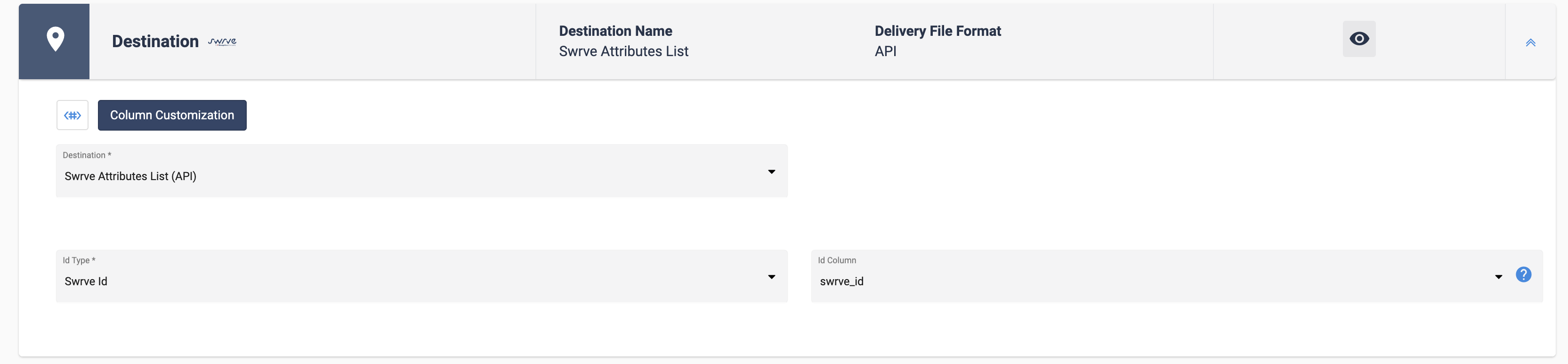
Swrve User Lists Destination The Swrve User List Destination will allow users to create and manage user lists within Swrve from MessageGears External Campaigns. These lists can then be used for curated messaging from Swrve.